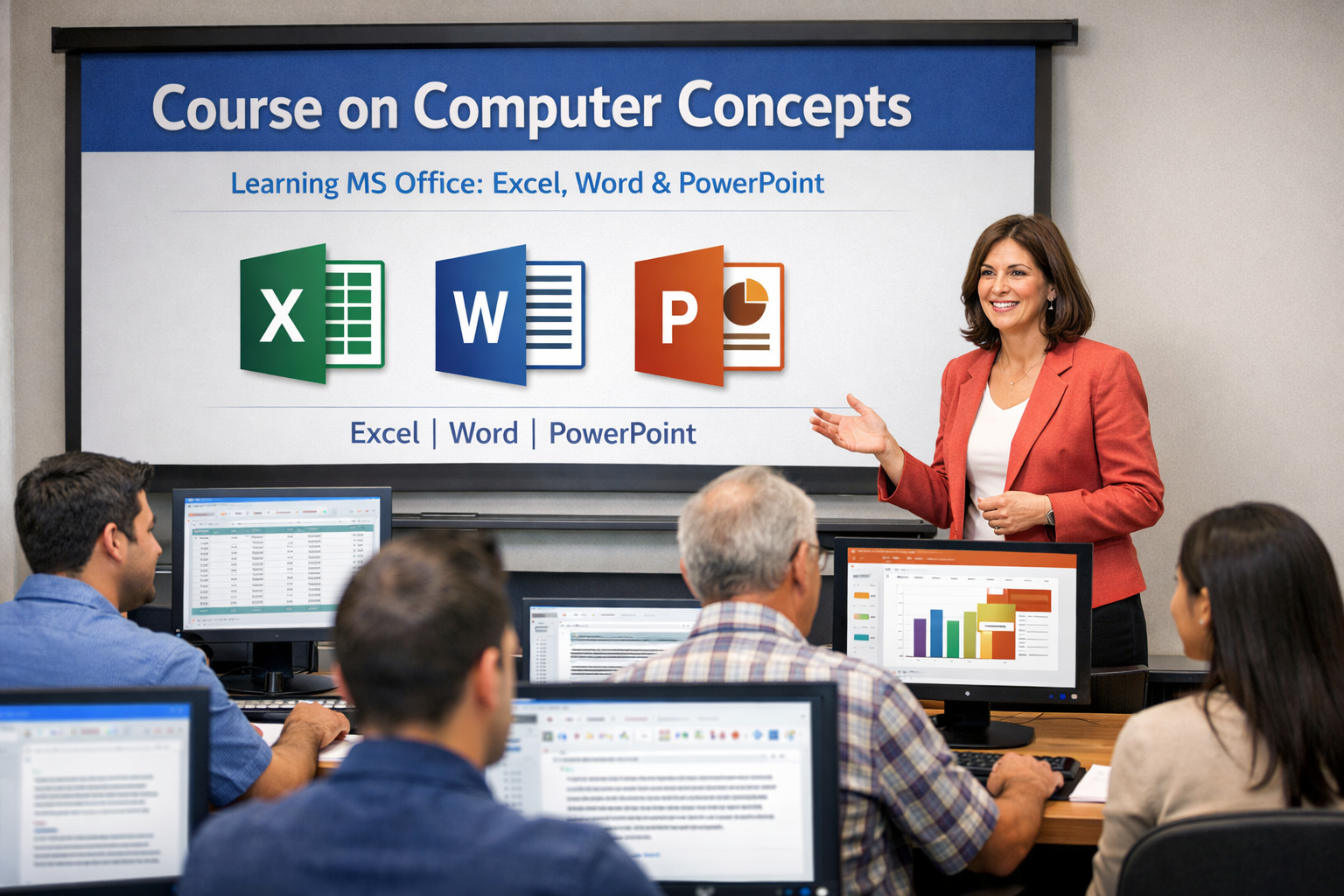
CCC - Course on Computer Concepts (NIELIT Certified)
Learn from Industry Experts | 100% Placement Assistance
Timing : 9.00 AM - 06.00 PMAbout This Course
This course is designed to aim at imparting a basic level IT Literacy programme for the common man. This programme has essentially been conceived with an idea of giving an opportunity to the common man to attain computer literacy thereby contributing to increased and speedy PC penetration in different walks of life.
-
Course Duration
1.5-2 Months
-
Certificate
Upon Completion
-
Students Enrolled
1000+
-
Learning Mode
Online & Offline
-
Branches
Maninagar | Gandhinagar | Kudasan | Bopal | Nikol | Mehsana | Gurukul
Course Curriculum
- Introduction to Computer - History, Generations, Types
- Hardware Components - CPU, RAM, Motherboard, Storage Devices
- Software Concepts - System Software, Application Software
- Input and Output Devices - Keyboard, Mouse, Monitor, Printer
- Computer Memory - Primary and Secondary Memory
- Number System - Binary, Decimal, Octal, Hexadecimal
- Computer Viruses and Antivirus Basics
- Introduction to Touch Typing
- Home Row, Top Row, Bottom Row Practice
- Speed and Accuracy Improvement Techniques
- Typing in English - Capital and Small Letters
- Typing in Gujarati - Fonts and Keyboard Layout
- Punctuation Marks and Special Characters
- Typing Practice Tests and Speed Assessment
- Introduction to MS Word Interface
- Creating, Saving, and Opening Documents
- Formatting Text - Font, Size, Color, Alignment
- Working with Bullets and Numbering
- Inserting Tables, Images, and Shapes
- Page Layout, Margins, Headers, Footers
- Spell Check, Grammar, and Printing Documents
- Introduction to Excel Interface and Workbook
- Entering and Editing Data in Cells
- Basic Formulas - Sum, Average, Count, Min, Max
- Formatting Cells - Number, Date, Currency
- Creating Simple Charts - Bar, Line, Pie
- Sorting and Filtering Data
- Saving and Printing Excel Sheets
- Introduction to PowerPoint Interface
- Creating and Saving Presentations
- Adding Slides and Choosing Layouts
- Inserting Text, Images, and Shapes
- Adding Animations and Transitions
- Slide Show Settings and Presentation Tips
- Printing Handouts and Notes Pages
- Introduction to Email and Outlook Interface
- Creating and Sending Emails
- Receiving, Replying, and Forwarding Emails
- Managing Contacts and Address Book
- Creating Folders and Organizing Emails
- Email Etiquette and Professional Communication
- Calendar and Task Management in Outlook
- Introduction to Operating System - Types and Functions
- Windows OS Installation and Setup
- Desktop, Taskbar, and Start Menu Navigation
- File and Folder Management - Create, Copy, Move, Delete
- Control Panel Settings - Display, Date/Time, User Accounts
- Installing and Uninstalling Software
- Basic Troubleshooting and Maintenance